
What to do
- Close the Mazda Update Toolbox completely.
- Open the SD card in File Explorer on Windows or Finder on macOS.
- Open the following folder: /license/
- Delete only the following file: .reg
Important: Do not delete any other files from the SD card. - If you cannot see the .reg file, enable the option to show hidden files on your computer.
- Open the Toolbox again.
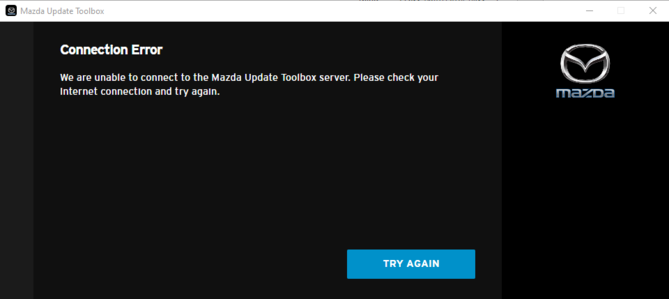
- Check whether the connection error still appears.
If the error continues, click the Contact us button at the top of the page for further assistance.